Gallery
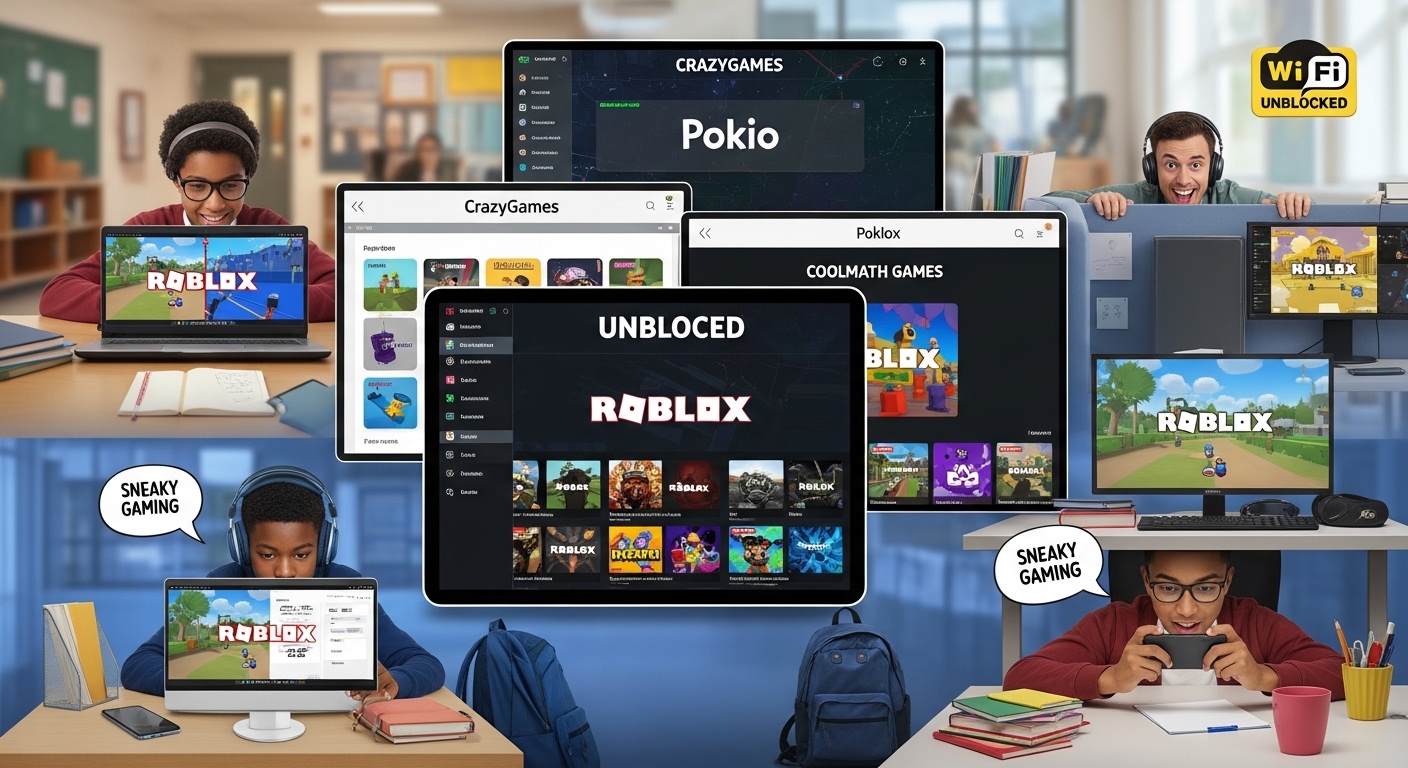

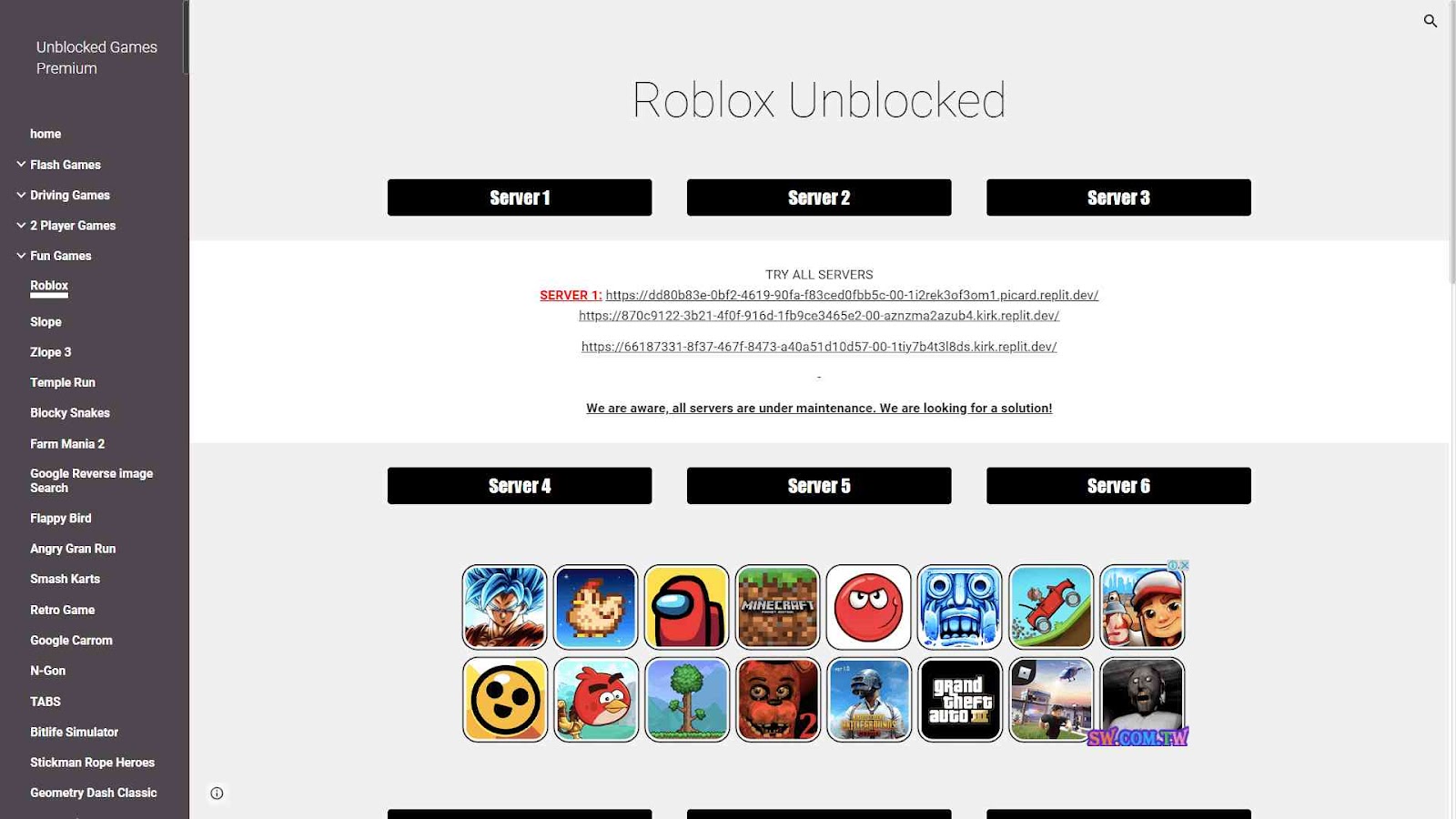

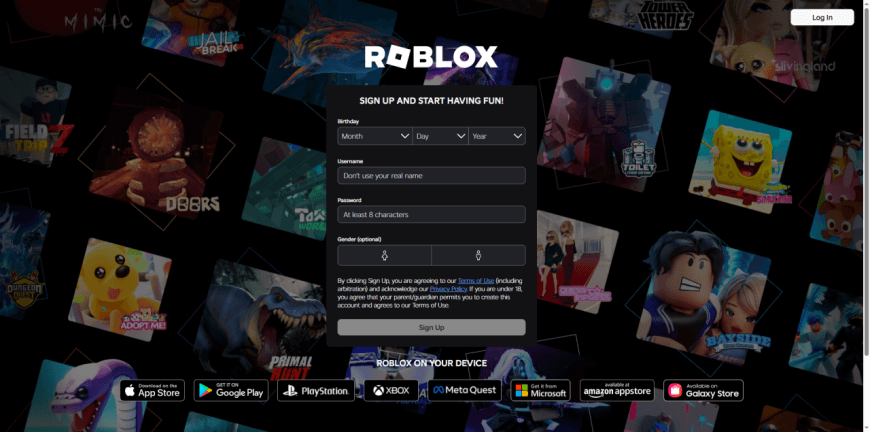



Roblox Unblocked Sites Safe Ways To Play Games At School Or Work Bungleo Image Fx Now Gg Easy And Way Online Pure Magazine 2621513 No Download 2025 AED87F861012409687D7771B0A9A64B41722422852 How 2026 Complete Guide What Exactly Are Unlocked Anyway 2026 VPN On Computer B3F8E23191 Anywhere With A F 1751446277 3382 1751446277 3382 2026 465c1fe003 More Game Websites BTW You Can Follow Steps Youtube Maxresdefault 2026 In Browser I Found The Ultimate Site OAR2 Premium.


How To Play Roblox In School UNBLOCKED 2026 Youtube Maxresdefault Simple Methods Enjoy With A Guide At No Download Online Free Sign Nowgg Cloud Safe Anywhere Worldwide Image Error Code 272 On Lost Connection Due An Get Quickly Accessible Entertainment For All Tyrone Game C6B5AA80FE6B6EB53C24A8BD9B7B78A5 The Bloodiest Games 2026 Revealed Horror Terbaik 2026 Paling Seram And Bikin Deg Degan 7F944699CE 2026 7F944699CE Access Blocked Devices Earlygame 2024 084201 Livq 2024 084201 2026 2026 LOCKED Codes Redeem Step By F 1767680319 797 1767680319 797 Unblock Someone 2026 Database 2026 Digistatement Rob.




How To Block Unblock Someone On Roblox 2026 Youtube Maxresdefault 2026 TUTORIAL Now Gg Online Unblocked NAYAG Spot Tiktok A Browser Based Solution 2026 Infrexa Play Your At School 2026 No VPN Ways Computer Thumbnail Image DB84C90235 2026 AF2399A3B1 Syncios Games Freezenova Perfect For And Work Breaks What Are Safely Or In 2026 Gemini Generated Y01L9BY01L9BY01L BEST Site 2026 Juegos Para Moviles Trucos 06ccef086258daaf61eed4446db92972.
Key highlights
Frequently asked questions
What are the common reasons Roblox is blocked on school or work networks?
Roblox is typically blocked to maintain productivity, prevent distractions, manage bandwidth usage, and uphold network security. Administrators aim to protect systems from potential threats and ensure resources are allocated for essential tasks, especially in 2026's digital learning and work environments.
How do I identify a safe and legitimate unblocked Roblox site in 2026?
It's extremely difficult, as most 'unblocked Roblox sites' are unofficial and carry risks. For genuine safety, avoid them. Instead, use a reputable, paid VPN service to connect to the official Roblox website or app from a personal device, ensuring your connection is encrypted and secure.
Can I use a free web proxy to play Roblox unblocked, and is it a good idea?
While a free web proxy might temporarily unblock Roblox, it's generally not a good idea. Free proxies often have slow speeds, poor security, and can inject ads or log your data, making your gaming experience frustrating and compromising your privacy in 2026.
What alternatives exist if I absolutely cannot access Roblox via unblocked sites?
If unblocked sites are unfeasible, consider playing Roblox on a personal device using your mobile data, or during off-hours on your home Wi-Fi. Exploring official cloud gaming services that might host Roblox is another option, though availability varies.
Will using a VPN for Roblox slow down my internet speed for gaming?
A high-quality, paid VPN should have minimal impact on your gaming speed for Roblox. However, free VPNs or those with congested servers can introduce latency and reduce bandwidth. Choosing a VPN with optimized gaming servers typically helps maintain performance in 2026.
Is it possible to download a portable version of Roblox to bypass network restrictions?
There isn't an official portable version of Roblox designed for USB drives to bypass network restrictions. Any unofficial 'portable' version downloaded from third-party sites is highly likely to contain malware or be non-functional, posing significant security risks to your PC.
How often do school or work networks update their blocking methods for sites like Roblox in 2026?
School and work networks constantly update their blocking methods, often multiple times a year or as new technologies emerge, especially in 2026. They utilize sophisticated firewalls and content filters that adapt to new bypass techniques, making consistent access via unofficial unblocked sites challenging and unreliable.
The story
Welcome, fellow PC gamers, to a deep dive into a topic many of us have pondered when faced with pesky network restrictions: how to access Roblox unblocked sites in 2026. As the gaming world continues its rapid evolution, with platforms like Roblox drawing in hundreds of millions of players, the desire to jump into our favorite experiences anytime, anywhere, is stronger than ever. But what happens when school or workplace firewalls decide to put a stop to our digital adventures? That’s where the hunt for unblocked access begins. This guide is crafted for US-based PC gamers aged 20-45 who value smart decisions, optimal performance, and hassle-free fun. We’re here to give you the no-BS truth and actionable advice on navigating the often-murky waters of unblocked Roblox. We’ll cover the what, why, and how, ensuring you’re equipped with the knowledge to make informed choices.
In 2026, network administrators are more sophisticated than ever, and so are the methods to bypass their restrictions. However, understanding the legitimate and risky approaches is paramount. This article will walk you through everything you need to know, from understanding network blocking to identifying safe alternatives, and ultimately, how to get your game on, securely and intelligently. We address common user concerns and provide expert tips to ensure your Roblox experience remains enjoyable and safe.
What exactly are Roblox unblocked sites and how do they work?
Roblox unblocked sites are essentially third-party platforms or methods designed to circumvent network restrictions that prevent direct access to Roblox. When a school or workplace network blocks Roblox, they typically do so by filtering domain names, IP addresses, or specific ports. Unblocked sites often work by routing your connection through a proxy server, a Virtual Private Network (VPN), or hosting a web-based version of the game that slips past basic filters. Think of a proxy as a middleman that fetches the content from Roblox for you, masking your direct connection to the blocked site. VPNs, on the other hand, encrypt your entire internet traffic and route it through a server in a different location, making it appear as if you are browsing from elsewhere, thereby bypassing local network restrictions. These methods essentially trick the network's filtering system into thinking you're accessing a different, unblocked service or coming from a permitted location.
For example, some unblocked sites might embed the Roblox game client within their own website, leveraging browser-based emulation to make it accessible without requiring a direct download or connection to the official Roblox domain. While convenient, the underlying technology and security practices of these sites vary wildly, demanding extreme caution from users. It's crucial to understand that many of these sites are not officially sanctioned by Roblox Corporation and can introduce significant security vulnerabilities, including malware, phishing, or data harvesting. Always verify the source and prioritize official channels.
Why is Roblox often blocked on school or work networks?
Roblox is typically blocked on institutional networks primarily for productivity and security reasons. Schools aim to keep students focused on educational tasks, and a popular gaming platform like Roblox can be a major distraction. From a security standpoint, networks, especially in corporate or educational environments, need to protect their infrastructure from potential malware, phishing attempts, or unauthorized data access. Roblox, while generally safe, is a user-generated content platform, and administrators might be concerned about the content children could be exposed to, or the potential for external threats that could arise from numerous connections to an external gaming service. Moreover, managing bandwidth is another factor; allowing unrestricted gaming can significantly strain network resources, impacting critical operations or learning tools.
In 2026, with the increasing reliance on online learning and remote work, network security has become even more stringent. IT departments are under pressure to maintain stable, secure networks, and blocking non-essential entertainment platforms like Roblox is a common strategy to achieve this. These measures are usually implemented through firewalls, content filters, and deep packet inspection technologies which can identify and block traffic patterns associated with gaming services. Understanding these motivations helps in appreciating why directly accessing Roblox can be challenging and why unblocked solutions are sought after, despite the inherent risks involved in bypassing official policies.
Are Roblox unblocked sites safe and legal to use in 2026?
The safety and legality of Roblox unblocked sites are complex and largely depend on the specific site and your local network’s policies. Generally, unofficial Roblox unblocked sites carry significant risks. Many of these sites are not secure, potentially exposing you to malware, adware, or phishing scams that could compromise your personal data or device security. They might collect your IP address, browser information, or even attempt to install unwanted software. From a legal standpoint, accessing content through third-party sites that bypass official channels might violate Roblox's Terms of Service, which could lead to your account being banned. More importantly, attempting to bypass network security on a school or work network without explicit permission is often a violation of their Acceptable Use Policy and could result in disciplinary action, ranging from a warning to network access revocation or more severe consequences.
In 2026, with heightened cybersecurity awareness, unauthorized network access is taken very seriously. While using a VPN or proxy for personal privacy is legal in most regions, using them to bypass restrictions on a network you don't own or administer, especially without permission, puts you in a gray area that could have repercussions. Always prioritize official channels and permission. If you must use an unblocking method, ensure it's a reputable VPN service that guarantees strong encryption and a strict no-logs policy, minimizing the security risks to your personal data. Remember, your data security and academic or professional standing are worth more than a quick game.
What are the best methods to access Roblox if it's blocked?
For PC gamers looking to bypass network restrictions and access Roblox, several methods exist, each with varying levels of effectiveness and risk. Here are some of the most common and effective approaches in 2026:
1. Virtual Private Networks (VPNs): A premium VPN service is arguably the most reliable and secure method. VPNs encrypt your internet traffic and route it through a server in a location of your choosing, effectively masking your IP address and bypassing local network restrictions. Look for VPNs with strong encryption (AES-256), a no-logs policy, and a wide selection of servers. Top providers in 2026 like NordVPN, ExpressVPN, or Surfshark offer robust performance and security for gaming, often with dedicated servers for speed.
2. Proxy Servers: Proxy websites or browser extensions act as intermediaries, sending your requests to Roblox through their server. While simpler than VPNs, free proxies are often less secure, slower, and can inject ads or track your data. If considering a proxy, opt for reputable, paid services, but generally, VPNs offer superior security and speed, especially for real-time applications like gaming.
3. Cloud Gaming Services: Some cloud gaming platforms might allow you to stream games, including potentially Roblox if it's part of their library, from their servers. This means your local network only sees traffic to the cloud gaming service, not directly to Roblox. This method depends entirely on the availability of Roblox on such platforms and your internet speed for a smooth experience. Services like NVIDIA GeForce NOW or Xbox Cloud Gaming are good examples, though Roblox's direct integration may vary.
4. Using a Personal Mobile Hotspot or Device: The most straightforward and often safest method is to use your own mobile data plan or a personal device not connected to the restricted network. Connecting your PC to your phone’s hotspot, for instance, bypasses the school or work network entirely, giving you unrestricted access to Roblox. This is generally the recommended approach for safety and policy compliance, as it uses your own network and data.
Always consider the policies of the network you are using. Unauthorized attempts to bypass security measures can lead to serious consequences. When in doubt, always use a personal device on your own network or mobile data. Transparency with IT administrators is always the safest route.
How can I ensure my privacy and security while accessing unblocked Roblox?
Ensuring privacy and security when attempting to access Roblox via unblocked sites is paramount, especially given the risks involved. Here's how savvy PC gamers can protect themselves:
1. Stick to Reputable VPNs: As mentioned, a paid, trusted VPN service is your best bet. Avoid free VPNs which often compromise on security or privacy by logging your data or injecting ads. Look for features like kill switches, DNS leak protection, and audited no-logs policies that verify their commitment to user privacy.
2. Use Antivirus and Anti-Malware Software: Keep your antivirus and anti-malware programs updated and perform regular scans. This is critical for catching any malicious software that might be bundled with sketchy unblocked sites or proxies. In 2026, advanced persistent threats require robust, up-to-date protection.
3. Be Skeptical of Downloads: Never download executable files or browser extensions from unfamiliar unblocked sites. These are prime vectors for malware. Official Roblox components should only come from the official Roblox website or trusted app stores. Always double-check URLs.
4. Avoid Entering Personal Information: Do not enter your Roblox login credentials or any personal information (like email or payment details) on any site claiming to be an 'unblocked Roblox' portal. Always log in through the official Roblox website or application once your connection is secured via a VPN or personal network.
5. Use Strong, Unique Passwords: Even if you're careful, data breaches can happen. Using a strong, unique password for your Roblox account, preferably managed by a password manager, adds an extra layer of protection. Enable two-factor authentication (2FA) for all your accounts.
6. Stay Updated: Keep your operating system, web browser, and all security software updated. These updates often contain critical security patches that protect against known vulnerabilities. Timely updates are your first line of defense against exploits.
By following these guidelines, you significantly reduce the risk associated with seeking unblocked access to Roblox. Remember, the safest approach is always to access Roblox on a personal network using the official platform. Stay smart, stay safe, and enjoy your gaming!
(Author Bio Snippet: Written by a seasoned PC gamer and tech enthusiast with over two decades of experience optimizing hardware and software, always hunting for the best value and performance in the ever-evolving world of gaming. Your go-to source for unbiased, actionable gaming advice.)